Android
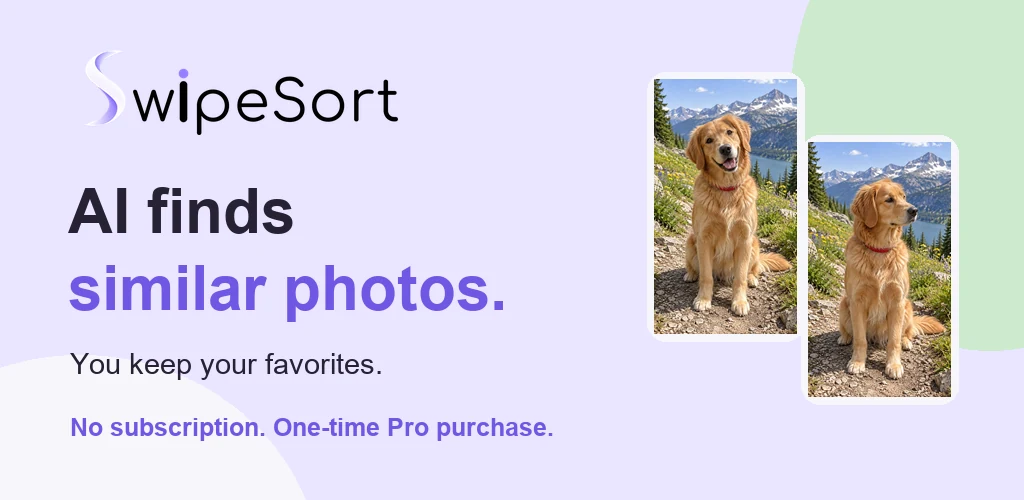
Android 11+ · Version 1.2.5. Swipe through photos and videos, compare exact duplicates and find similar photos with on-device AI. Suggestions help you compare; you choose what stays.
 pezezzle

SwipeSort · Android · iPhone & iPad
Review photos and videos in small rounds, keep your favorites and flag what can go. On Android, local AI suggests similar photos and duplicate review brings identical copies together. You decide what stays.


Available on Google Play and the App Store. Android 1.2.5 includes duplicates and similar photos; iOS 1.1.2 offers photo and video review.
Available now
Android 11+ · Version 1.2.5. Swipe through photos and videos, compare exact duplicates and find similar photos with on-device AI. Suggestions help you compare; you choose what stays.
iOS / iPadOS 15.5+ · Version 1.1.2. Photo and video review, month and album filters, and final confirmation. Duplicate and similar-photo review are currently available on Android only.
Store availability checked on 1 October 2026. Compatibility and available updates are shown in your store.
Built for control
Swipe to review on both platforms. Android adds local comparison of duplicate and similar photos. No swipe removes an item: removal always needs your final confirmation.
01 · SWIPE
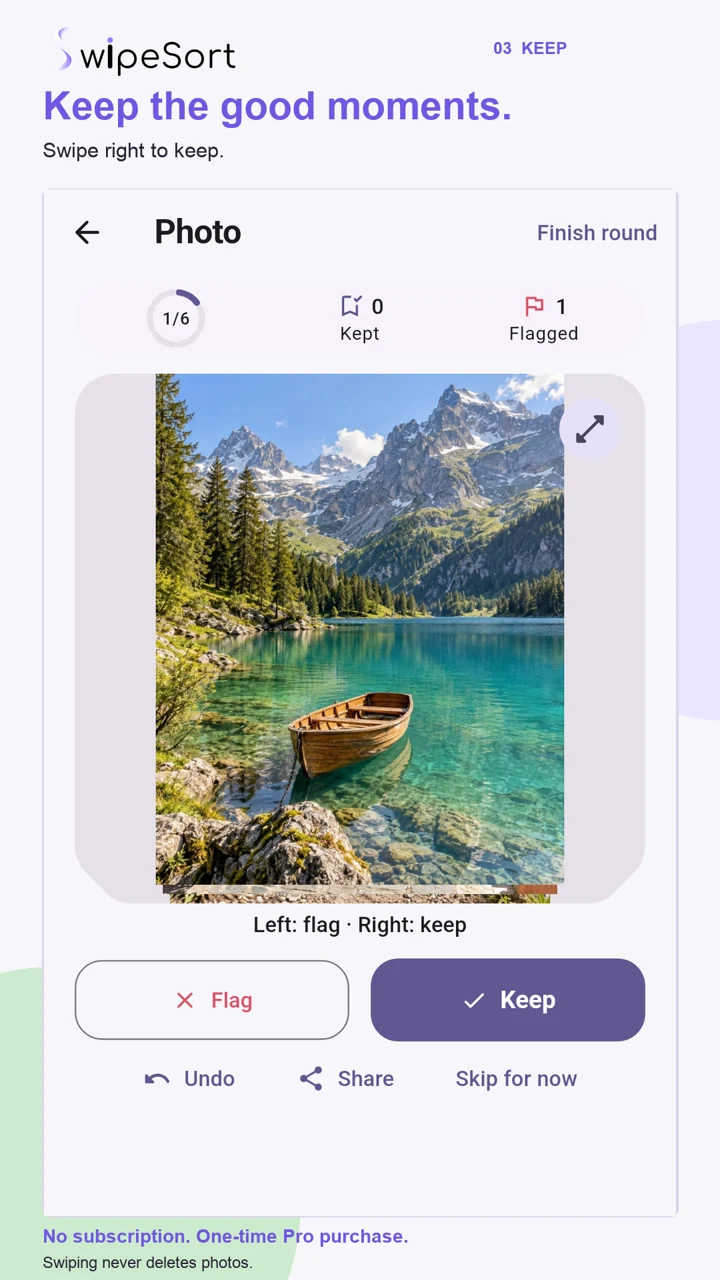
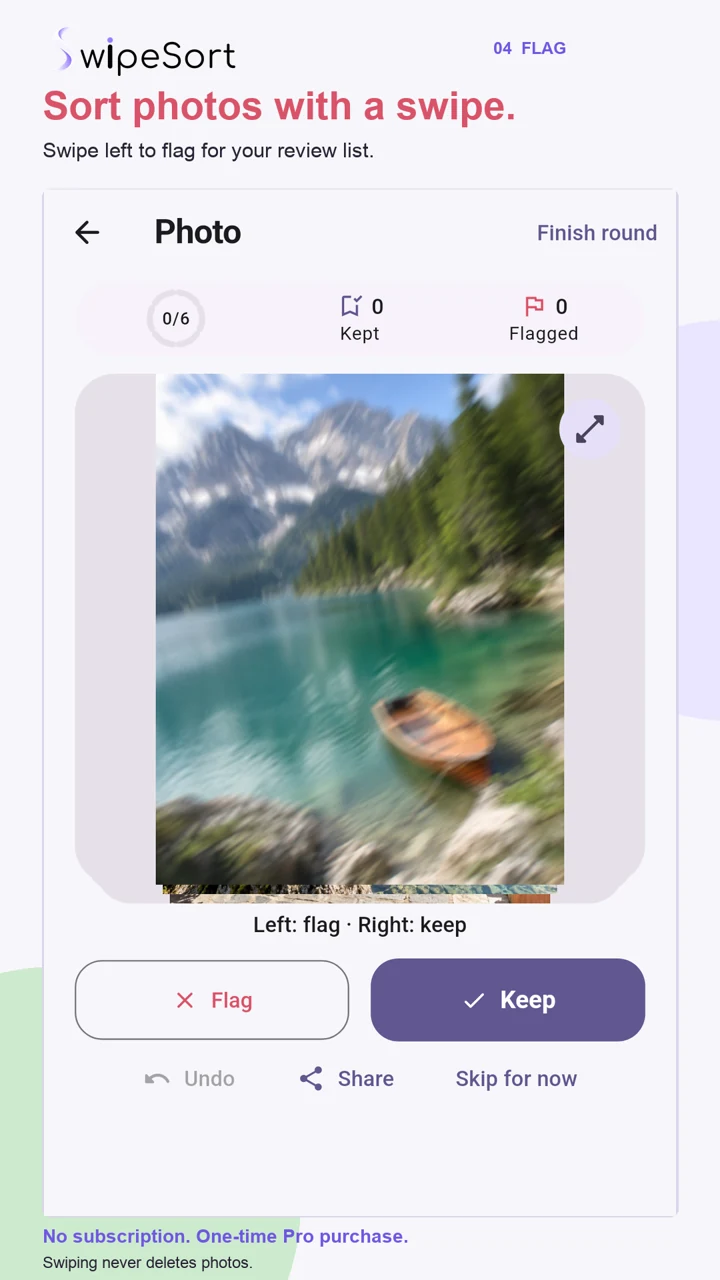
Swipe right to keep a photo or video, left to flag it, or skip it for later. Undo your last decision when needed.
02 · ROUND
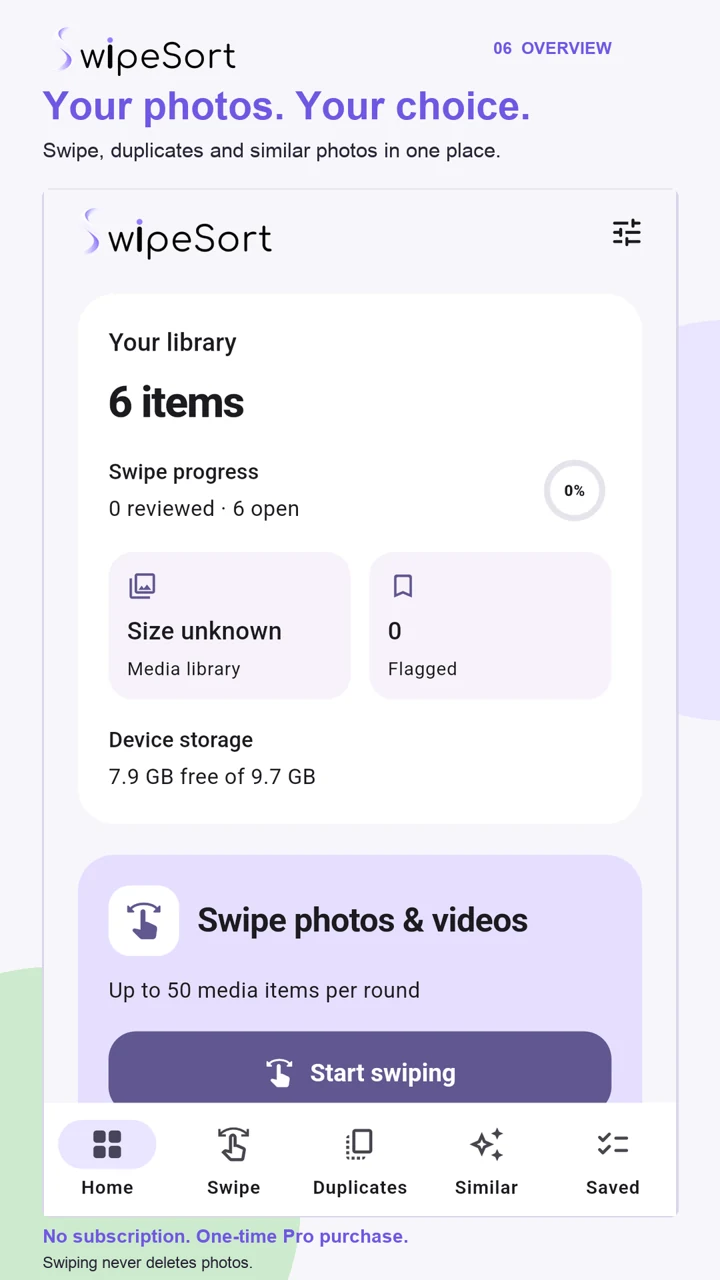
Review up to 50 photos and videos per round and filter by month or album. Android also offers separate rounds for duplicate and similar-photo groups.
03 · CONFIRM
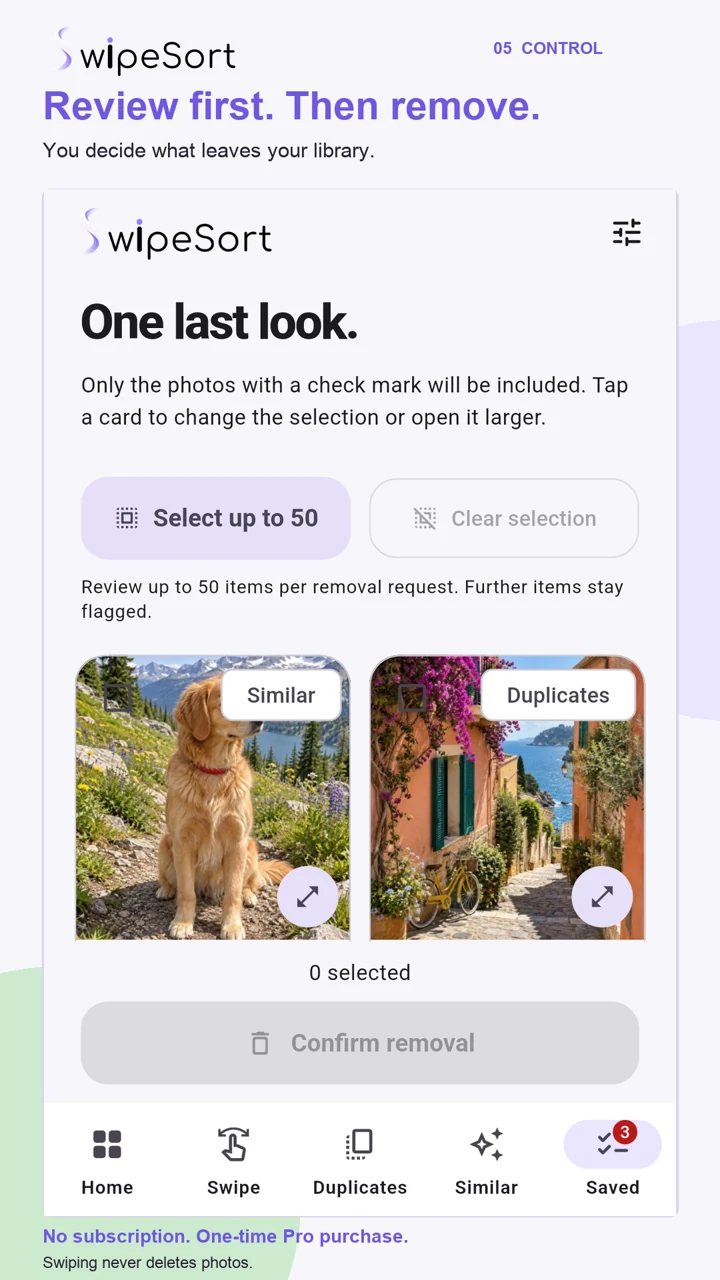
Review flagged photos and videos once more, select what to remove and approve the Android or Apple system confirmation.
Android · Current release
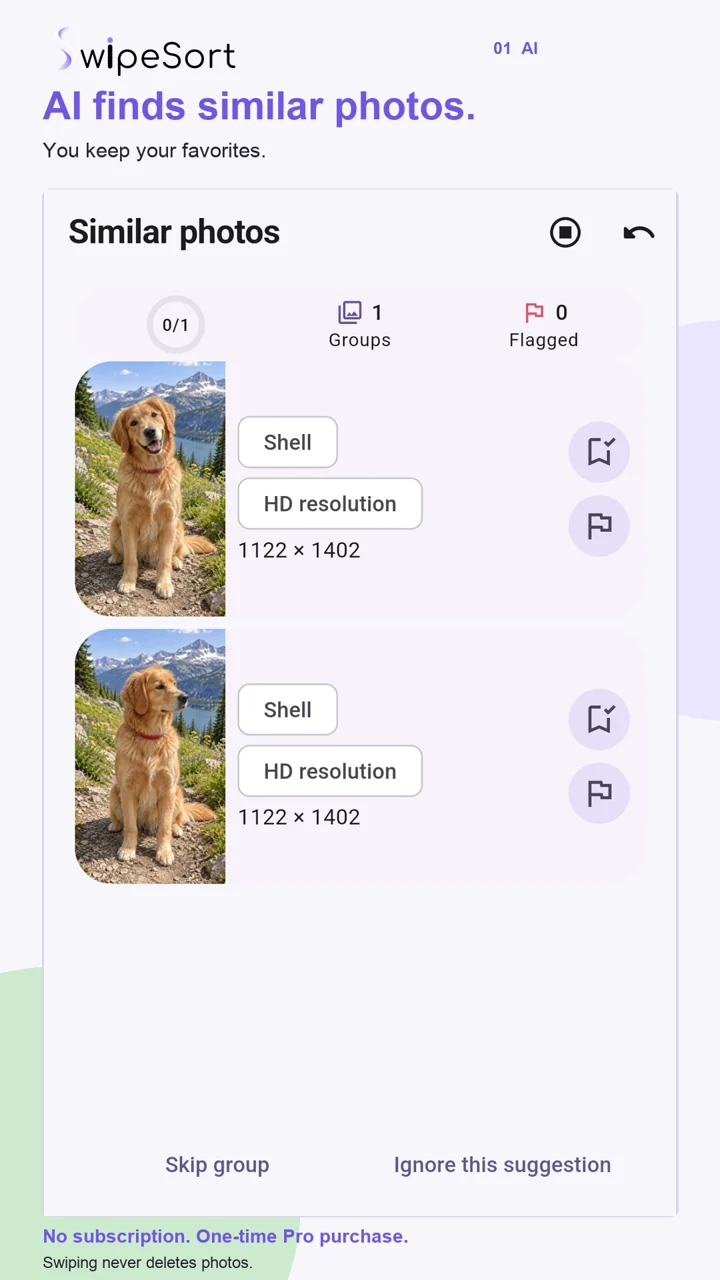
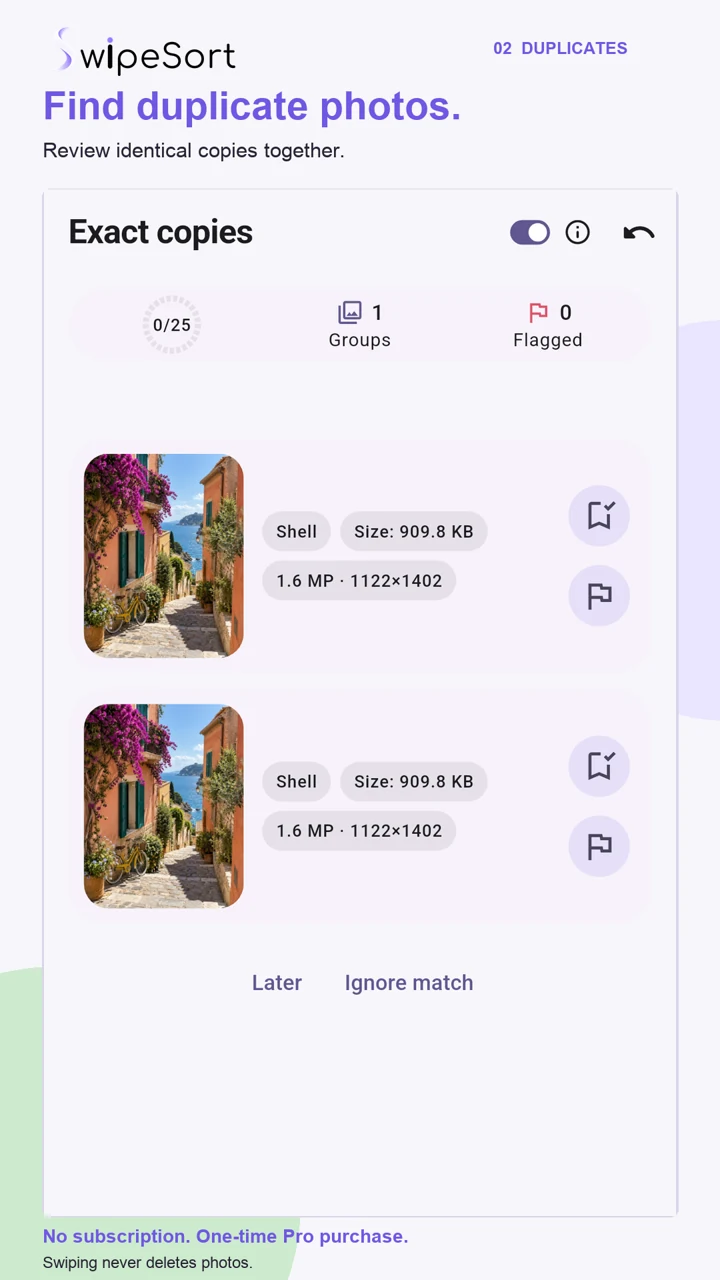
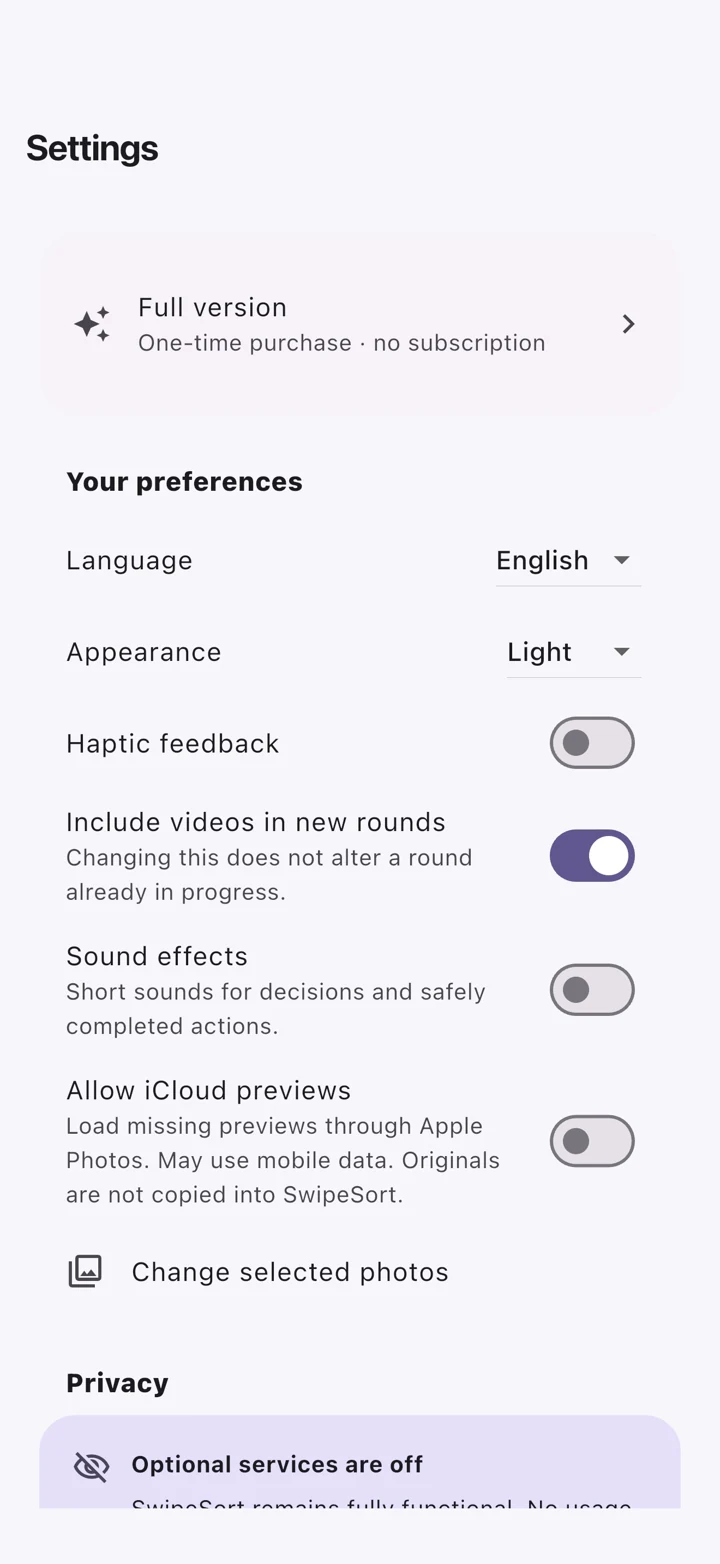
Android 1.2.5 combines local similar-photo suggestions, exact-copy review and swiping. These store screenshots use a sample library; matches are suggestions for your review.
iPhone · Current release
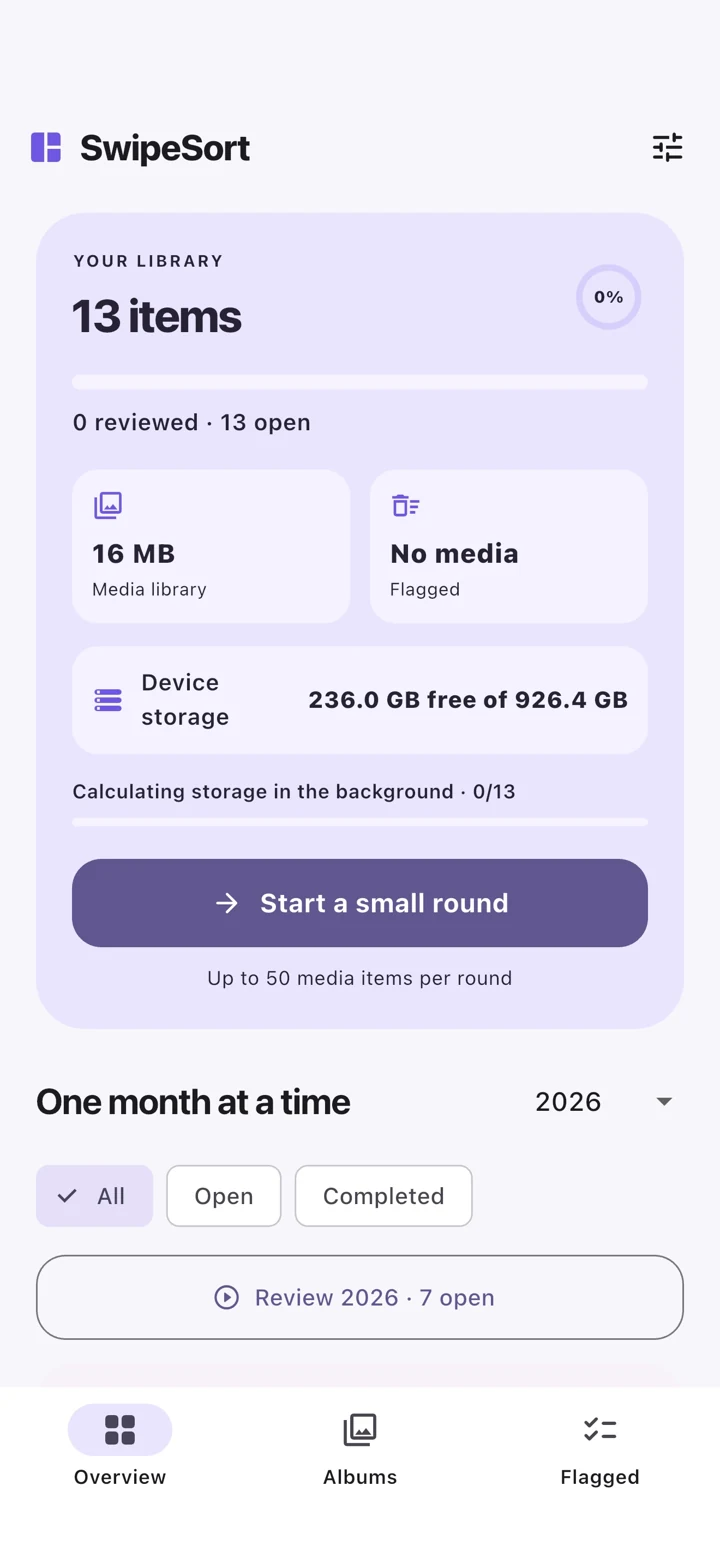
These iPhone captures show the photo and video workflow available in iOS 1.1.2. The iPad app offers the same core review features.
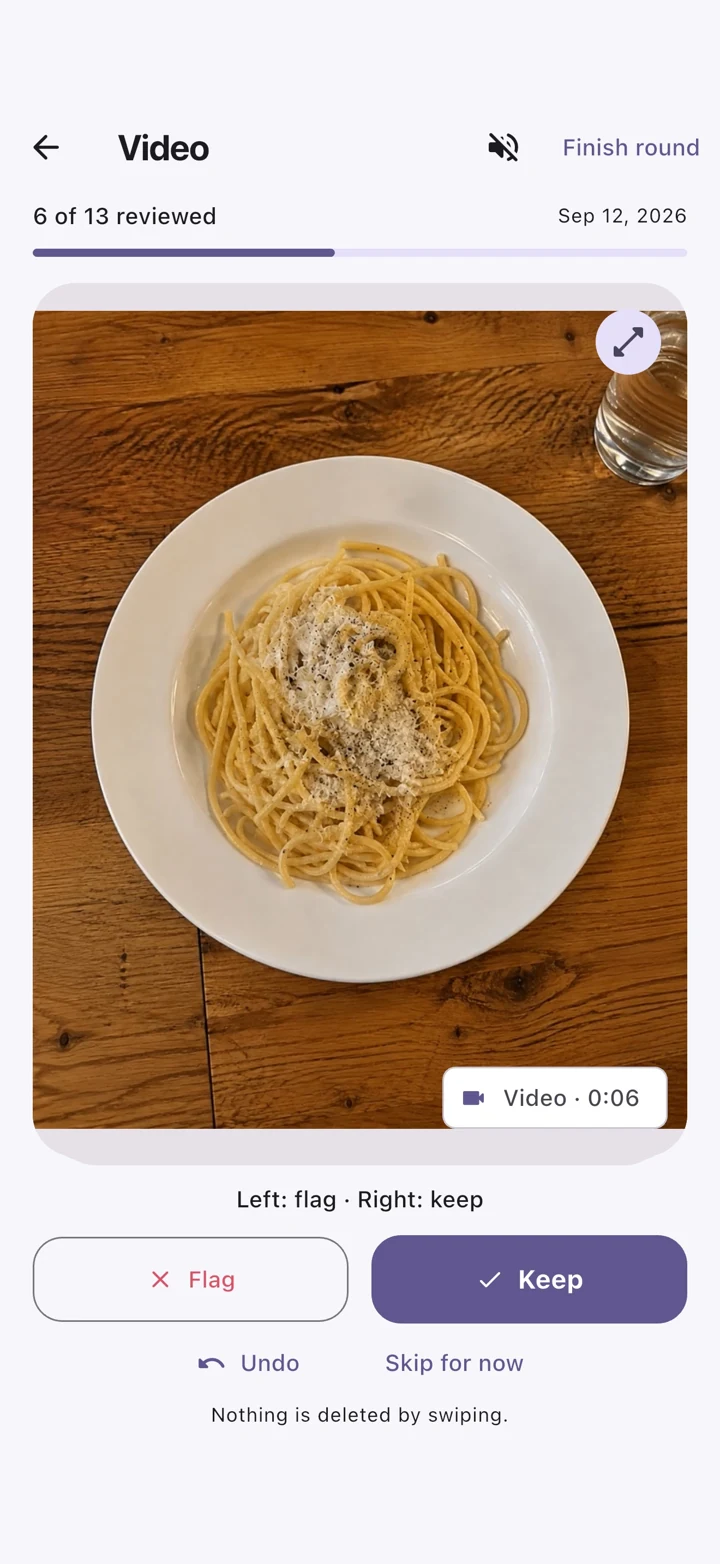
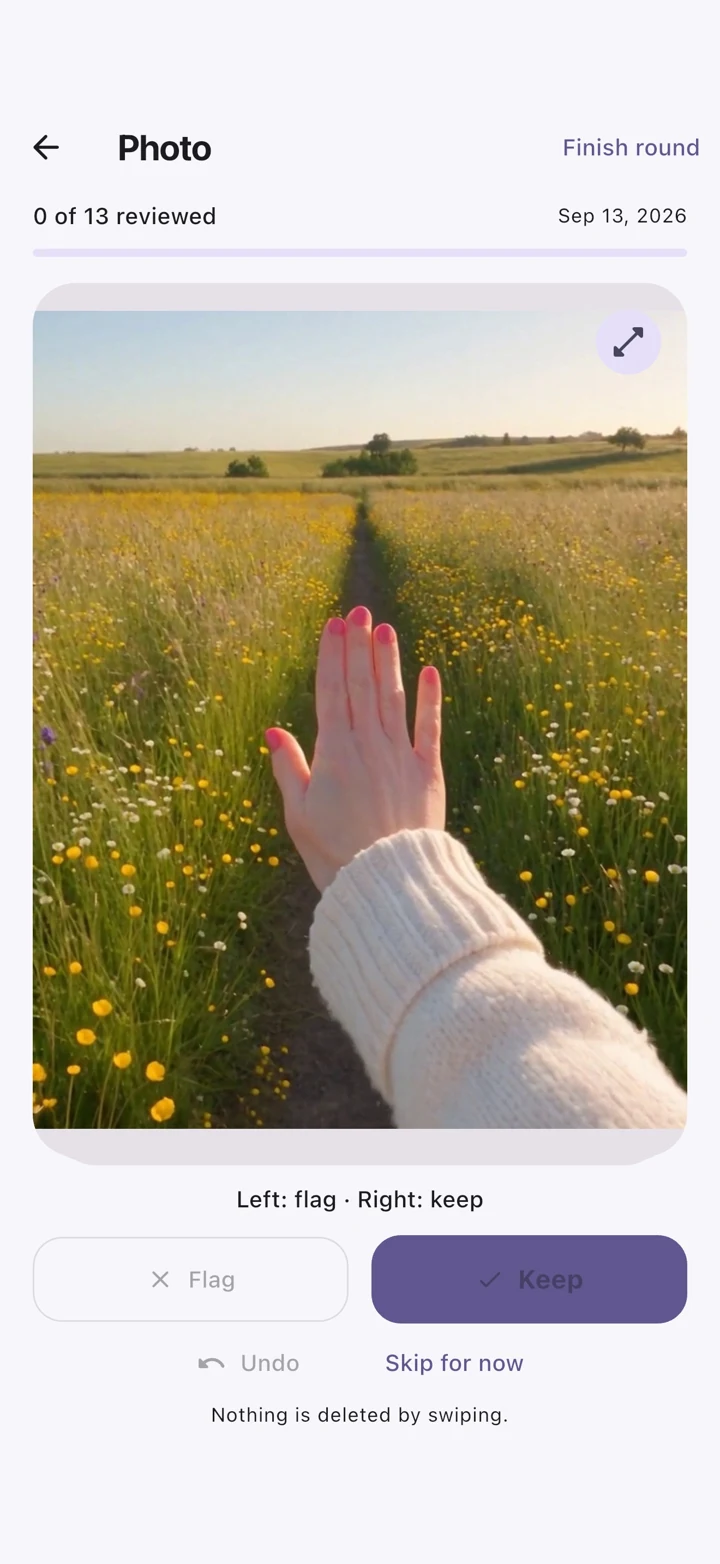
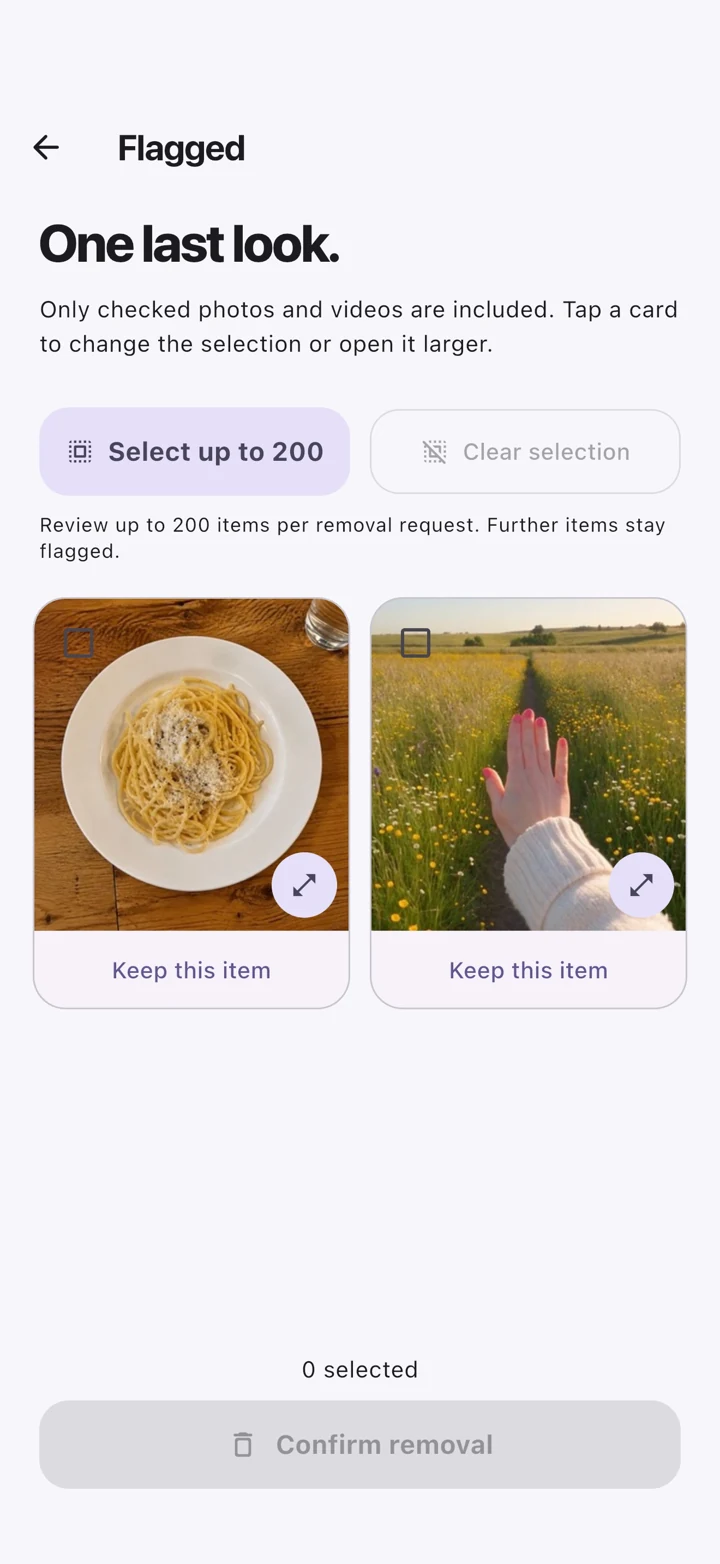
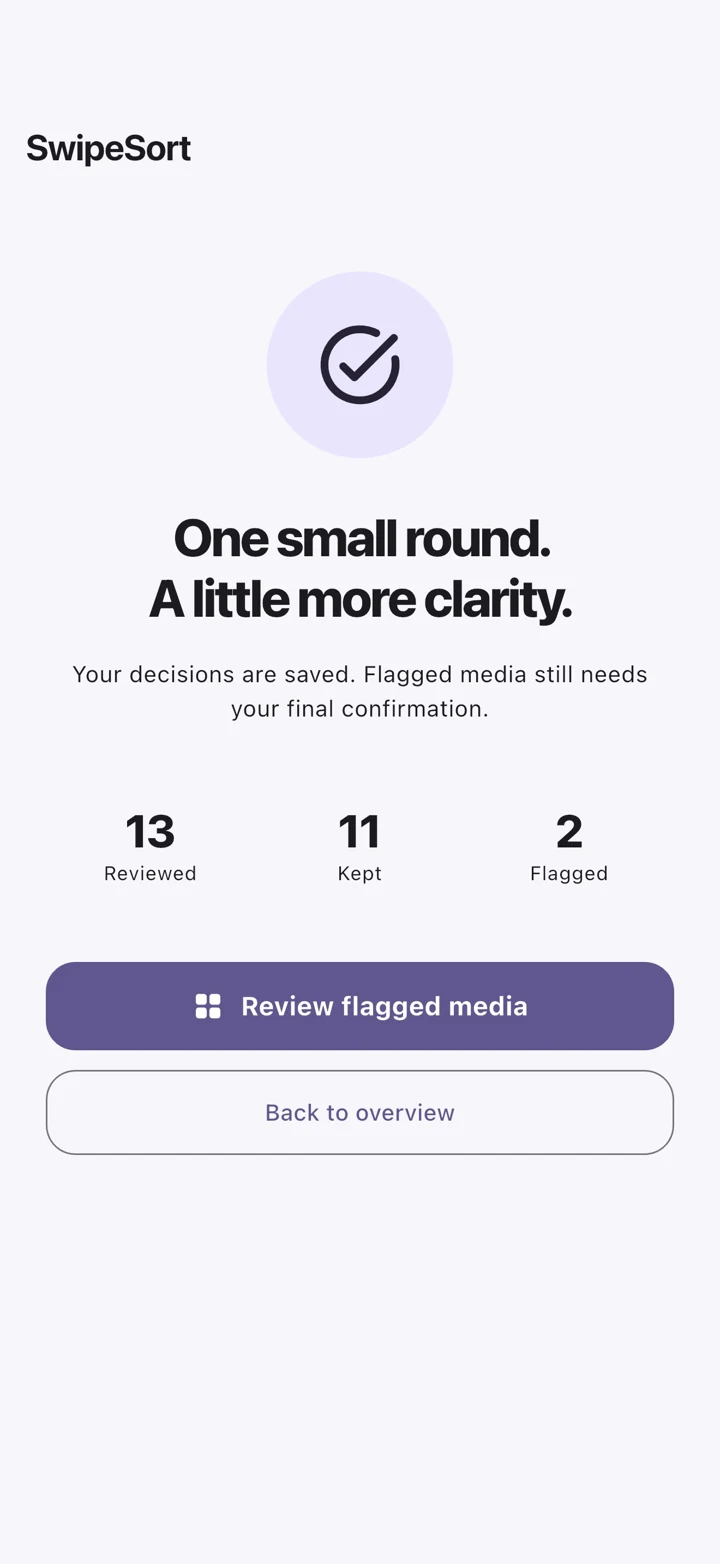
Two short Android demos: review with a swipe, compare suggestions and make your final selection.
Android · Swipe, compare duplicates and similar photos, then check the flagged selection. A silent demo with optional captions.
Android · A short feature film with German text and music. Compare the suggestions and keep your favorite yourself.
How it works